New Web User Interface!

A Fresh MobiWork Web Experience Is Here!

The new MobiWork Web User Interface is here! Designed with a fresh, modern look and enhanced capabilities, the new experience makes navigating MobiWork easier and more efficient. Features such as global search, free-text search, filters, improved saved searches, custom theme, and streamlined navigation will help users find what they need faster and simplify everyday workflows:

The new interface is now available to all subscribers but it is not automatically enabled. To make the switch, please contact our Customer Success team to coordinate a smooth transition to the updated experience.

Smarter Equipment Preventive Maintenance!

Stay Organized and Keep Your Asset Management Services Running Smoothly with Usage-Based Scheduling

MobiWork now lets you automatically trigger recurring maintenance, inspections, and calibration services based on equipment usage (mileage, engine hours), in addition to traditional time-based scheduling. With usage data automatically updated through our telematics integrations (Motive, Samsara, Verizon Connect) or via APIs, you can reduce manual effort, prevent missed maintenance, and keep your equipment operating at peak performance:

Take the guesswork out of managing recurring services with MobiWork! Easily schedule recurring services based on your equipment specific service needs, helping your team stay ahead of maintenance requirements and ensure timely service. Streamline scheduling, reduce manual effort, and keep your equipment operating at their best with a smarter, more efficient approach to service management.

Stay Connected with RingCentral & MobiWork!

Streamline SMS Communication with Our New MobiWork RingCentral SMS Connector

Enhance your customer communications with MobiWork’s RingCentral SMS integration! Easily connect your RingCentral account to MobiWork to simplify outbound text messaging, streamline communication, and strengthen customer engagement:

And there’s more to come! We’re also working on expanding our Ring Central telephone connector to handle inbound voice calls within MobiWork, making it even easier to communicate and stay connected with your customers. Stay tuned for more updates!

Online Help Updates

New Online Help Updates Underway

As we continue rolling out our new web user interface, were also updating our Online Help resources to reflect the enhanced user experience and all the latest solution updates.

At MobiWork, were committed to continuously improving our platform and providing our valued customers with the tools, resources, and exceptional support they need to succeed:

And there’s more to come! Were also working on adding a Learning Management System (LMS) to improve your learning experience. Stay tuned for more updates!

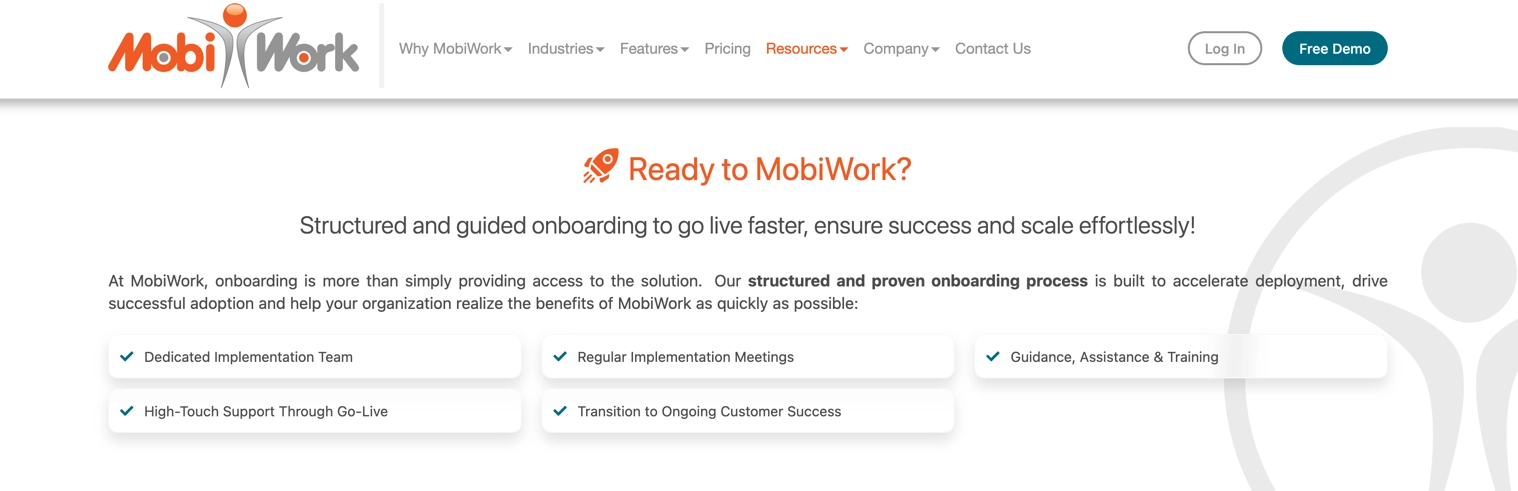
MobiWork Onboarding Process

Helping your business ensure success and scale effortlessly

At MobiWork, we’re continuously enhancing our solutions and onboarding experience to help your business grow, scale, and succeed.

Our structured onboarding process is tailored to your unique business needs, with a dedicated implementation team providing personalized guidance, hands-on training, and support every step of the way:

From initial setup to successful deployment and beyond, we’re committed to helping your team get the most out of MobiWork and achieve long-term success.

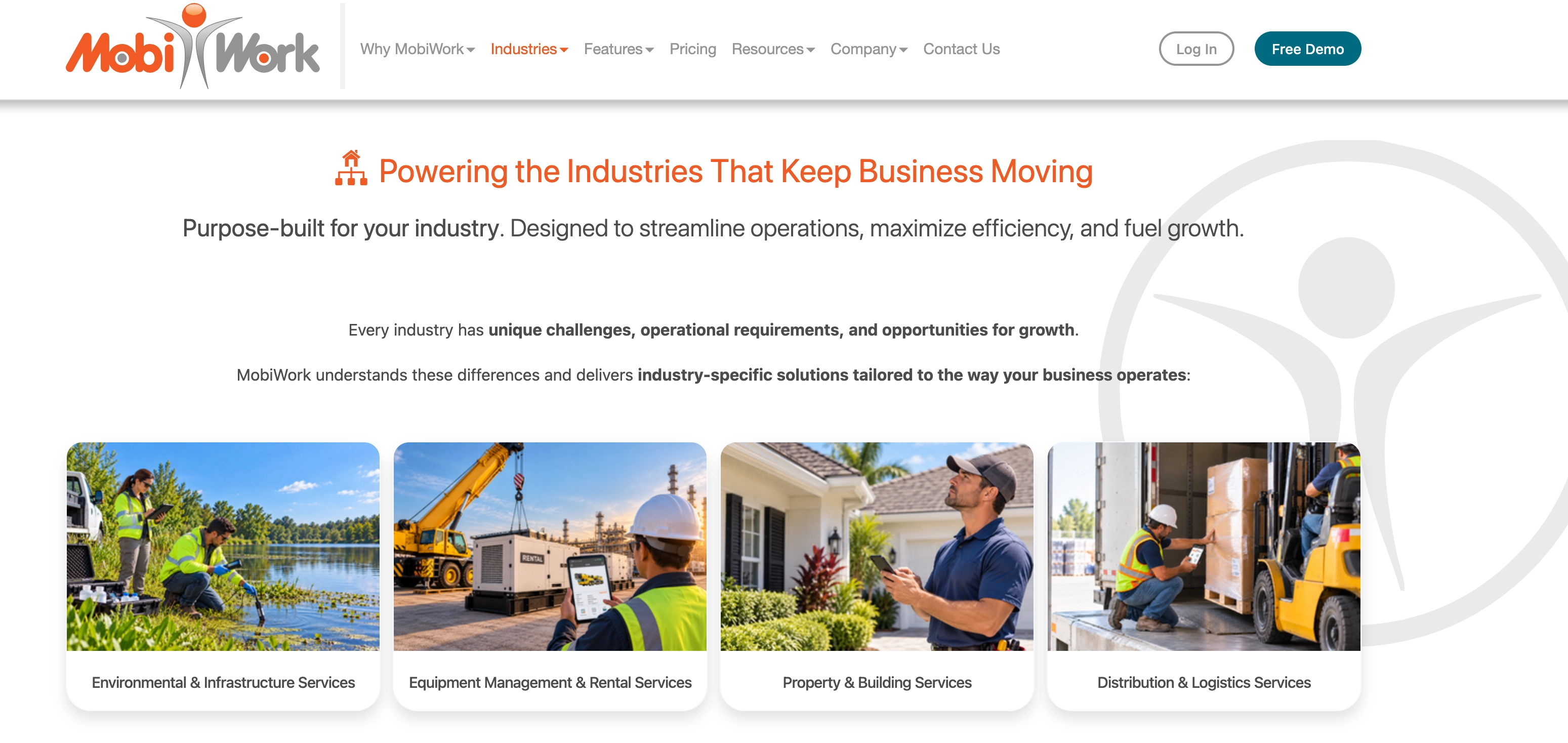
Explore Our Updated Industries Pages

Consistently Raising the Bar with Our Industry-Specific Solutions

At MobiWork, we’re constantly raising the bar to better serve the evolving needs of businesses across multiple industries.

We’ve refreshed our industries pages to highlight how our powerful, flexible industry-specific solutions support Environmental & Infrastructure Services, Equipment Management & Rental Services, Property & Building Services, and Distribution & Logistics Services companies:

Discover how MobiWork helps businesses overcome challenges, streamline operations, boost productivity, and drive growth!

MobiWork Momentum: The Latest Updates

Exciting new mobile-first and cloud-based features that keep your field service team moving

Geolocations:

We’ve updated our Geotags list page:


Cloning a quote or invoice section:

You can duplicate a quote or invoice section and its corresponding items using the "Clone Section" action. To do so, click the Individual Actions menu for the desired section and select "Clone Section" from the drop-down menu:


Do not save work order address or location:

MobiWork allows you to create a work order without saving the customer location for future reference. This situation is ideal for when repairs must be completed at a temporary location, such as a construction site, event venue, or temporary office.  The work order can be created using that specific service location without saving it to the customers profile, thus helping to keep the customers saved locations clutter-free:


Customer Tax Exemption Number:

When the "Taxable" field of a customer is unchecked, a new "Tax Exemption Number" field will appear:


UTM parameters in the Customers saved search:

To easily keep track of the origin of your prospects and/or customers, MobiWork has added the following UTM parameters to the customers list saved search parameters:


Purchase Orders (PO) for Non-Serialized Assets (NSA):

You can now add a purchase order for non-serialized assets (NSA). When the items are received through the purchase order, MobiWork automatically updates the quantity of the associated non-serialized asset rather than the product’s inventory quantity.


Create a recurrent service from individual quote section(s):

In addition to being able to create a recurrent service from the entire quote, you can now create a recurrent service for one or multiple section(s) of the quote:


Associating an existing work order or recurrent service to a quote:

You can now associate an existing work order or recurrent service to the corresponding quote. Please note that this is no longer needed if you create them directly from the quote:

Similarly, you can also associate the quote in the work order or recurrent service views.


Delete payment without credit card processing:

MobiWork allows users to delete a payment in MobiWork only, i.e. without deleting through the payment processor (such as Clearent or Stripe). This action is helpful when a payment has already been deleted directly through the payment processor. In these cases, the payment should be removed from MobiWork without triggering a second deletion at the processor level. This functionality helps keep MobiWork payment records synchronized with the processor while preventing duplicate deletions.


Keeping track of customer reviews:

The "Marketing" tab of the Customer view has a subsection to keep track of the review(s) provided by the customer:

Our Survey Results Are In

See What MobiWork Customers Have to Say drive customer satisfaction with MobiWork field services software solution

Our survey results are in! We want to thank everyone who took the time to share their feedback and provide valuable insight into their experience with MobiWork. Hearing directly from our customers helps us better understand the impact MobiWork is making across their organizations and where we can continue to make a difference.

We Want to Hear from You!

Tell us how MobiWork works for you and your business

We value feedback and love hearing how MobiWork is working for you. If you have a few minutes, please complete this survey to share the impact MobiWork has made on your business and how MobiWork can further improve. Your metrics matter to us!

Frequently Asked Questions

What is a field services software solution?


A field services software is a solution designed to help field services (installation, repair, maintenance...) businesses manage their everyday tasks such as work orders management, scheduling, dispatching, invoicing, capturing payments and creating quotes.

What is the MobiWork field services software solution?


The MobiWork field services software solution is a complete solution for your entire organization (office, employees or contractors in the field and your customers) that covers every aspect of your operations before, during and after each job. In addition to being features rich, the MobiWork field services software solution is fast, easy to learn & use and enforces best practices.

What are the benefits of the MobiWork field services software solution?


The MobiWork field services software solution simplifies and optimizes every aspect of your day-to-day operations to grow your business while giving you peace of mind. Field services businesses that use our MobiWork software solution experience increased productivity, cost savings, real-time visibility, powerful digital data capture to invoice accurately and get paid faster, improved customer engagement and satisfaction.

Expand All
 
Employee or Contractor using the MobiWork Gate Services Software Solution in the field

© 2010–2026 MobiWork LLC. All rights reserved.

Terms of Service       Privacy Policy